
How to Build a Website with AI in Under 1 Hour
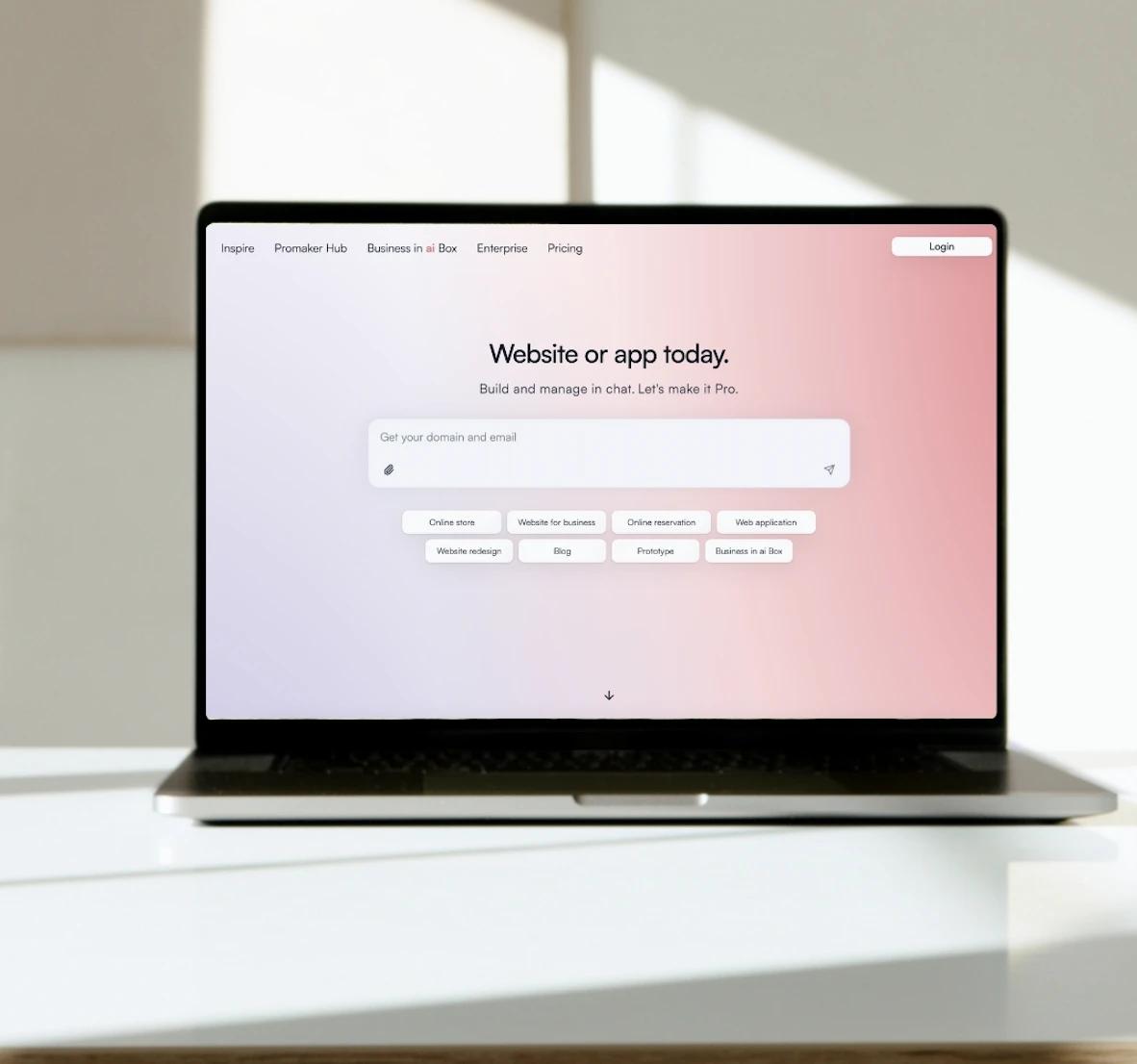
This step-by-step guide shows exactly how to go from idea to a live website using an AI website builder—what to type in the chat, how to shape the layout without code, how to connect a domain and business email, and how to keep improving your site just by talking to it, all in the same day. Promake is an AI website builder that lets you build, launch and manage your site by chatting—often in under an hour, with domain and business email from one dashboard.
AI website builder
Start in the chat. Describe your business, audience, and goal in 3–5 sentences (what you sell, who it’s for, what you want visitors to do). Ask the AI to generate a site structure with home, services / products, about and contact. It will return draft copy, navigation and suggested sections. Keep iterating in plain language: “Make the hero headline shorter” “Add three service cards” or “Write a friendly FAQ”. The builder updates content and layout in minutes.
No-code design
Choose a style kit the Promake AI recommends; fonts, spacing, color system. Add details: Add a pricing section with three tiers. Replace the gallery with before/after images. Make customer reviews into a slider… Everything stays responsive for mobile and tablet automatically, so you don’t have to manage breakpoints or device quirks.
Domain + business email setup
In the chatbox, search for a domain that matches your brand and connect it. Create a professional business email (e.g., hello@yourbrand.com) so inquiries don’t get lost in personal inboxes. Keep your brand name, website, and email aligned—clients recognize you, and your communications stay organized.
Same-day launch
Aim for a minimal but complete first version:
- Home (value proposition + primary CTA)
- Services / Products (what’s included, price cues, FAQs)
- About (who you are, credibility)
- Contact (form + direct email/phone)
Swap placeholder text for your voice, add 2–3 real images, and do a quick pass on page titles, meta descriptions, and internal links. Preview on mobile, then publish. You can refine wording and visuals later; the goal is to be live today.
Manage dashboard with talk
After launch, keep using the chat to run your site: “Create a blog outline about our new product,” “Add a banner for the weekend promotion,” “Summarize last week’s traffic,” or “Test two hero headlines and keep the better one.” The AI makes edits, drafts content, and surfaces lightweight analytics so you focus on customers, not configuration.
Promake—beginner-friendly checklist
- Write your 1-sentence goal (bookings, leads, or sales).
- List essentials: Logo, brand name, contact info, 3 benefits.
- In chat, describe your business, audience and location scope.
- Generate pages; ask for revisions until it “sounds like you.”
- Pick a style kit; add pricing, FAQ, and testimonials.
- Connect a domain; set up a business email.
- Add one clear CTA per page; link pages together logically.
- Publish today; improve tomorrow with chat-based edits.